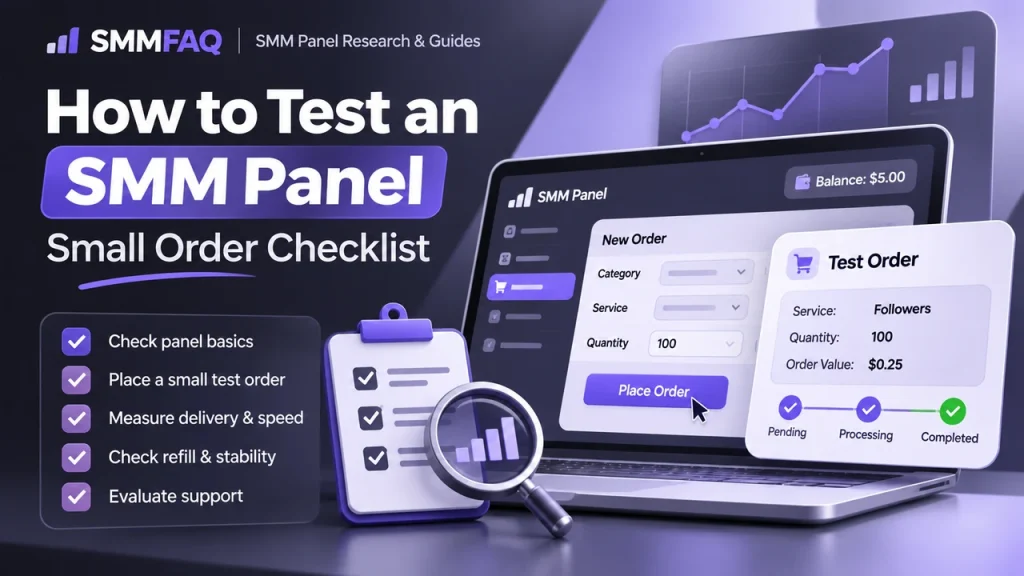
A small test order is one of the most useful ways to evaluate an unfamiliar SMM panel. Reviews, homepage claims and service counters can help with research, but none of them show how a specific service behaves for you today.
Quick answer: test the exact service you intend to use, place the minimum practical quantity, record the start count and timestamps, and judge the result across delivery, status handling, support and any refill behavior. Do not increase your deposit simply because one tiny order completed.
What a Small Test Can — and Cannot — Tell You
A test order can show whether the panel accepts your target format, whether delivery begins within the stated range, how the order status changes, whether the displayed start count is plausible, and how support responds when you ask a specific question.
It cannot prove that every service on the panel uses the same supplier, that a larger order will behave identically, or that retention will remain the same after a provider change. SMM panels often route different categories through different upstream sources, as explained in How Do SMM Panels Get Their Services?.
1. Test the Exact Service You Actually Plan to Buy
A common mistake is testing the cheapest row in the catalog and then assuming the result applies to a different service. If you plan to buy Instagram followers with a refill period, test that exact type of row. If you need Telegram members, test Telegram members.
Record the service ID and the complete service name. Names and prices can change later, and the same panel may remap a local service ID to a different provider over time.
2. Use the Minimum Practical Quantity
The purpose of the first order is measurement, not scale. Use the service minimum or a quantity close to it. A larger order increases your exposure without necessarily teaching you more about link validation, status transitions or support.
The broader research process in How to Find a Reliable SMM Panel should still be completed before funding a meaningful balance.
3. Create a Test Log Before You Click Order
| Field | What to record | Why it matters |
|---|---|---|
| Service | ID + exact name | Lets you identify the row later if the catalog changes |
| Price | Rate shown when ordered | Useful when comparing future price changes |
| Target | Public URL or username used | Confirms the exact test target |
| Pre-order count | Your own count before ordering | Independent baseline |
| Order ID | Panel order number | Needed for status and support |
| Start count | Panel-recorded start count | Useful for delivery and refill checks |
| Start time | When delivery visibly began | Compare with the service description |
| Final status | Completed, Partial, Canceled, etc. | Shows how the panel closes the order |
| Later count | One or more follow-up checks | Helps separate delivery from later drops |
4. Compare the Panel Start Count With Your Own Reading
If the panel records a start count, compare it with the count you noted before ordering. Small differences can happen because public metrics can update with delay or because delivery started before the panel captured its value. Large unexplained differences deserve attention.
Start count becomes especially important when a service includes refill. Read What Does Refill Mean in an SMM Panel? before treating a refill label as a permanent guarantee.
5. Watch the Status, Not Just the Final Number
A useful test follows the whole order lifecycle. An order may move through Pending, Processing or In Progress before reaching Completed, Partial or Canceled. The visible count and the reported status should broadly make sense together.
If an order sits far beyond the stated start range, use the troubleshooting process in SMM Panel Order Stuck in Processing?.
6. Test Support With a Specific Question
Do not judge support only by a greeting message. Ask something that requires a concrete answer, such as whether a Partial order is credited automatically, whether the service has a refill window, or what evidence support needs for a payment issue.
Useful support answers normally reference the order, service or policy. Generic replies that avoid the question are less informative.
7. If the Service Has Refill, Test the Process — Not Just the Label
If a small test later drops within the stated refill period, check whether the panel exposes a refill button or another documented process. The existence of “R30” or “Refill: Yes” in a service name is only a catalog claim until the workflow actually functions for an eligible order.
8. Do Not Run Two Test Orders on the Same Link at the Same Time
Overlapping orders make measurement harder. Two suppliers can deliver into the same public count, which makes it difficult to know which order produced which increase. It can also affect refill eligibility.
For a dedicated explanation, see Can You Use Two SMM Panels on the Same Link?.
9. Compare Like With Like
If you compare two panels, use the same service category, similar quantity, similar target conditions and roughly the same testing window. Do not compare a no-refill budget service on one panel with a geographically targeted refill service on another and call the result a panel-wide ranking.
10. Increase Exposure Gradually
A successful test is a reason to run a second, slightly larger test — not a reason to preload a large wallet. Provider routes, platform conditions and service availability change. Keep prepaid balance proportionate to your actual short-term usage.
A Practical 15-Minute Pre-Test Checklist
- Confirm the site uses HTTPS and the domain is correct.
- Read the service description, min/max, refill and cancel conditions.
- Check the panel’s terms and payment rules.
- Use a public test target that you can monitor.
- Record your own count before ordering.
- Save the service ID, order ID and payment reference.
- Do not overlap another order on the same link.
- Recheck the order after the stated start time and after completion.
For discovery, you can browse the SMMFAQ Panel Directory. Directory inclusion is not an endorsement; each panel should still be evaluated independently.
Why This Method Is Better Than Trusting a Ranking Alone
A ranking describes someone else’s methodology and observation window. Your test creates evidence about the exact row you plan to buy. That still does not predict future performance, but it gives you a much better basis for deciding whether to scale.
Independent SMM research sites have recently emphasized small-order testing for the same reason. SMM Panel Audit and PanelCompare both published dedicated test-order methodologies in 2026. SMMFAQ’s approach is to combine that idea with provider, status, refill and service-level checks rather than treating a single completed order as a universal quality score.
Build a Test That Matches Your Real Use Case
A useful test order should answer a real purchasing question. If you plan to resell Instagram followers, testing a random YouTube view service tells you almost nothing about the workflow you will depend on later. The target, quantity and service type should resemble your expected use while staying small enough to limit exposure.
For reseller research, SMMFAQ recommends creating a simple test matrix rather than judging the entire panel from one order.
| Test | What it checks | Good evidence |
|---|---|---|
| Small follower/member order | Start count, delivery and final status | Measured increase broadly matches the order |
| Low-cost like/view order | Link parsing and start speed | Correct target and sensible status changes |
| Refill-enabled service | Post-delivery support process | Clear eligibility and working refill workflow |
| Support ticket | Human or automated support quality | Specific answer that references your order or policy |
| API status check | Reseller integration behavior | Consistent local/provider status mapping |
Measure Start Time Separately From Completion Time
Panels often use phrases such as “instant start” or “0–1 hour start.” Those statements describe when delivery is expected to begin, not when the full quantity should be complete. Record both timestamps. A service can start quickly and still take hours to finish because delivery is intentionally gradual.
Likewise, a slow start does not automatically prove a bad panel. Provider queues, platform conditions and service capacity can change. The useful signal is whether the observed behavior is reasonably consistent with the current service description and whether support can explain a major deviation.
Check Quantity Accuracy Without Expecting Perfect Public Counts
Public social metrics are not precision instruments. Platforms can round, cache or update counts in batches. Organic activity may also occur while your test is running. For that reason, a difference of a few units on a small test should be interpreted in context rather than treated as automatic underdelivery.
The larger the unexplained gap, the more useful it becomes to compare the panel’s start count, your own recorded baseline and the final public count.
Run a Short Retention Follow-Up
A completed order only proves initial delivery. For services where retention matters, record the count again after a sensible interval such as 24 hours, several days and the end of the advertised refill window. Do not claim “permanent” quality from a short observation, but do use the later measurements to compare services under similar conditions.
Example Test Log
| Checkpoint | Count | Interpretation |
|---|---|---|
| Before order | 10,000 | Independent baseline |
| After completion | 10,100 | Initial delivery appears complete |
| 24 hours | 10,096 | Minor movement; continue observing |
| 7 days | 10,082 | Meaningful drop if the account had little organic change |
Score the Workflow, Not Just the Followers or Views
For a business user, the panel is more than the upstream service. A useful test should also evaluate whether the panel records orders correctly, returns usable statuses, makes payment history easy to reconcile and provides enough information to solve problems.
- Catalog clarity: Does the service description explain refill, min/max and restrictions?
- Order handling: Are status changes understandable?
- Support: Can the team answer a specific question?
- Accounting: Does the charged amount match the listed rate and quantity?
- History: Can you still access the order details later?
What a Small Test Does Not Prove
One successful order does not prove that the panel is a direct provider, that all categories use the same source, that the service will remain available, or that future orders will have identical retention. It also does not prove that a positive review from another customer applies to your target country or service type.
Use the result as one data point. If the first test is satisfactory, repeat with a second service or a slightly larger quantity before relying on the panel for important client work.
Testing a Panel for API Reselling
API users should test more than the website interface. Create a low-value order through the API, save the provider response, poll the order status, and compare the API result with what the web dashboard shows. If refill or cancel endpoints are advertised, test them only on eligible orders.
Also verify that your software handles timeouts safely. A timeout does not always mean the provider rejected the order. Blindly resending the request can create duplicate orders. For API fundamentals, see What Is an SMM Panel API?.
A Simple Pass / Investigate / Fail Framework
| Result | Meaning | Next step |
|---|---|---|
| Pass | Delivery and records broadly match the service description | Run another small test before scaling |
| Investigate | Large delay, unclear status or count mismatch | Ask support and collect more evidence |
| Fail | Wrong target, unexplained charge, missing order or unresolved major issue | Do not increase balance until resolved |
Frequently Asked Questions
How much should I spend on a first SMM panel test?
Use the smallest practical deposit and the minimum quantity of the exact service you plan to buy later. The goal is to test the workflow, not to prove long-term quality with a large order.
Should I test the cheapest service on the panel?
Not necessarily. Test the service category and service ID you actually expect to use. A cheap likes service says little about a different follower, subscriber or Telegram service.
What should I record during a test order?
Record the service ID, listed rate, quantity, order ID, your count before ordering, the panel start count, start time, completion time, final status and any support interaction.
Can one successful order prove a panel is reliable?
No. It only shows how one service behaved at one point in time. Providers, routes and service conditions can change.
Can I compare two panels using the same link?
Avoid overlapping deliveries on the same link. Use comparable but separate test targets so that start counts and delivered quantities remain measurable.